
Scalp & hair
Follicle density, hair diameter, dandruff, sebum, and sensitivity: reference points to guide the routine and explain your treatment choices.
The starting point of the Head Spa ritual.LinaVision
A high-precision camera. AI-assisted analysis. From scalp to recommendation, your expertise becomes visible from the very first consultation.

LinaVision precision
The 8 MP sensor and ×50 magnification bring into view what the eye alone can barely make out. Real images to back up your observations.
Sensor precision.
Details, up close.
White · UV · polarized.
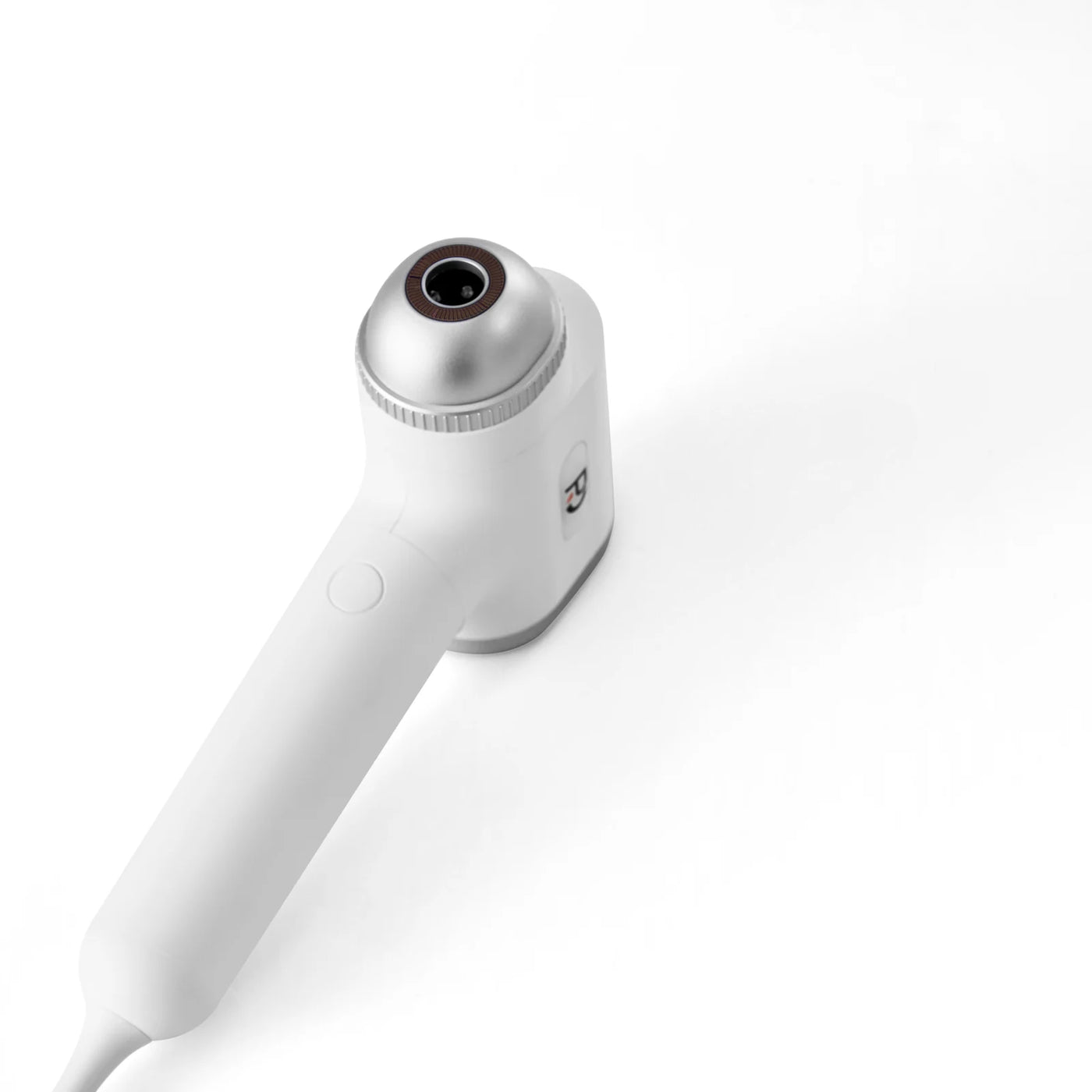
Density, hair diameter, dandruff, or the condition of the scalp: the close-up view gives your consultation real substance. You start from a visible observation to build your advice.
LinaVision connects image precision with your expertise. You stay in charge of interpretation and recommendations.
The LinaVision tablet
On the bedt, your client sees what you see. You explain the images, the analysis priorities, and your recommendation with a shared, clear, concrete visual.
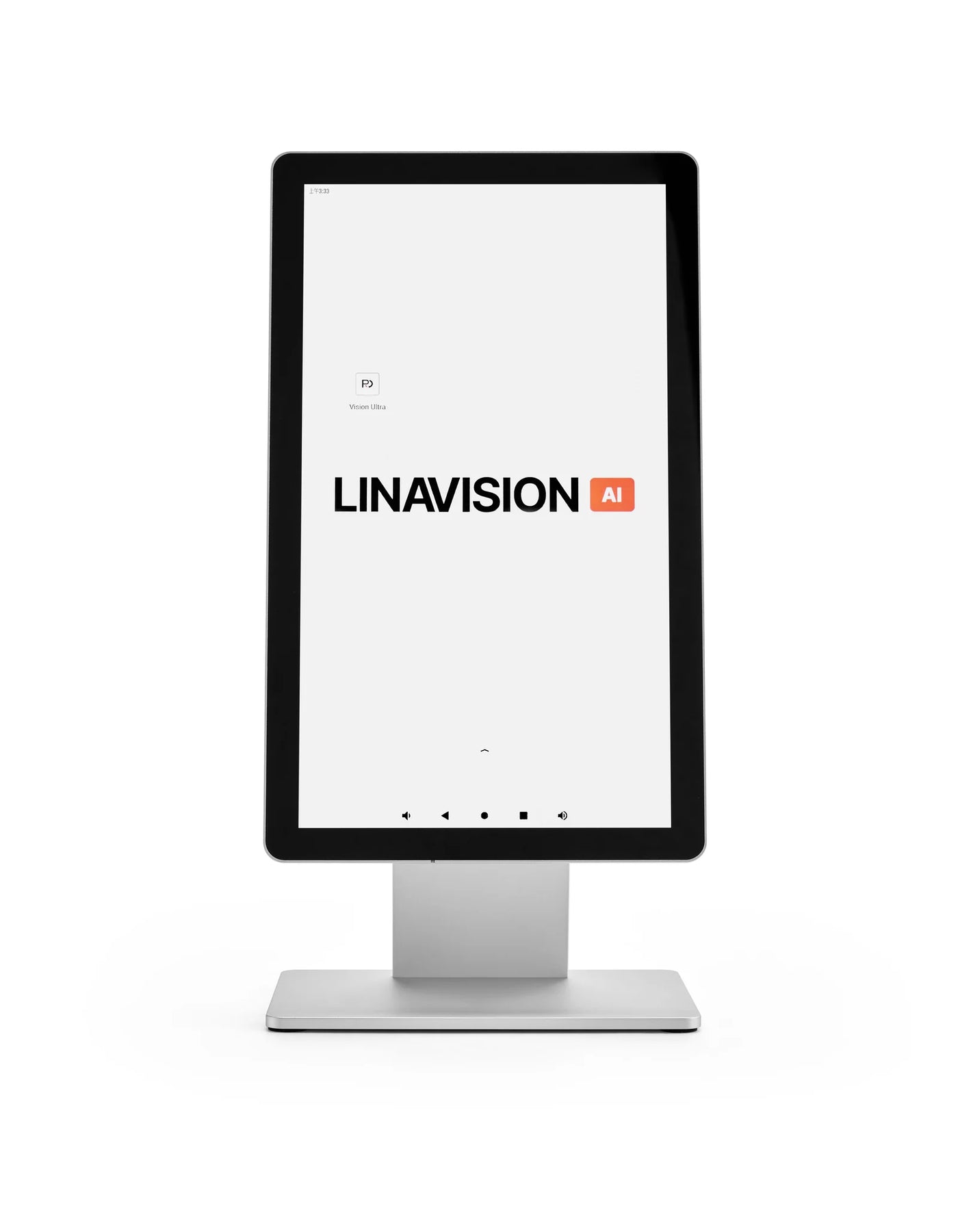
Optics built for observation
White, UV, and polarized: three complementary lighting modes to examine the scalp, hair, and skin.

The reference view for examining the scalp, hair, and skin surface. It gives you a first visual to support your explanations.
A view that complements white light and deepens the analysis. You compare the images before explaining your observations to the client.
A third mode to complement your white and UV views. Cross-check the lighting modes and keep the same settings for before/after tracking.
AI-assisted analysis
One tool for three areas of observation. The software helps you organize your findings; your expertise turns that information into tailored advice.
Follicle density, hair diameter, dandruff, sebum, and sensitivity: reference points to guide the routine and explain your treatment choices.
The starting point of the Head Spa ritual.Pores, sebum, pigmentation, and skin texture: an additional observation to enrich the conversation about your client’s needs.
An observation that broadens your advice.Keep close-up images of hair and skin. The before/after archive lets you return to the same areas and track how they change.
The same points of reference, over time.The assisted analysis highlights three priorities and suggests a routine. You can add your own treatments and products, adjust the recommendations, and approve them before sharing the report. Your expertise always has the final say.
The report and client follow-up
The image starts the conversation. The report carries it forward. And before/after tracking gives you reference points from one appointment to the next.
Share your observation on the tablet. The client sees the details that justify your advice.
The QR code gives access to the report. Your recommendations stay with the client after their salon visit.
Retrieve the archived observations and compare the before/after images during subsequent appointments.
To compare observations over time, use the same area, lighting, and magnification. Archived images serve as reference points at the next visit.
In your salon, every day
The probe to observe. The bedt to explain. A setup that gives diagnostics a place in your client journey.
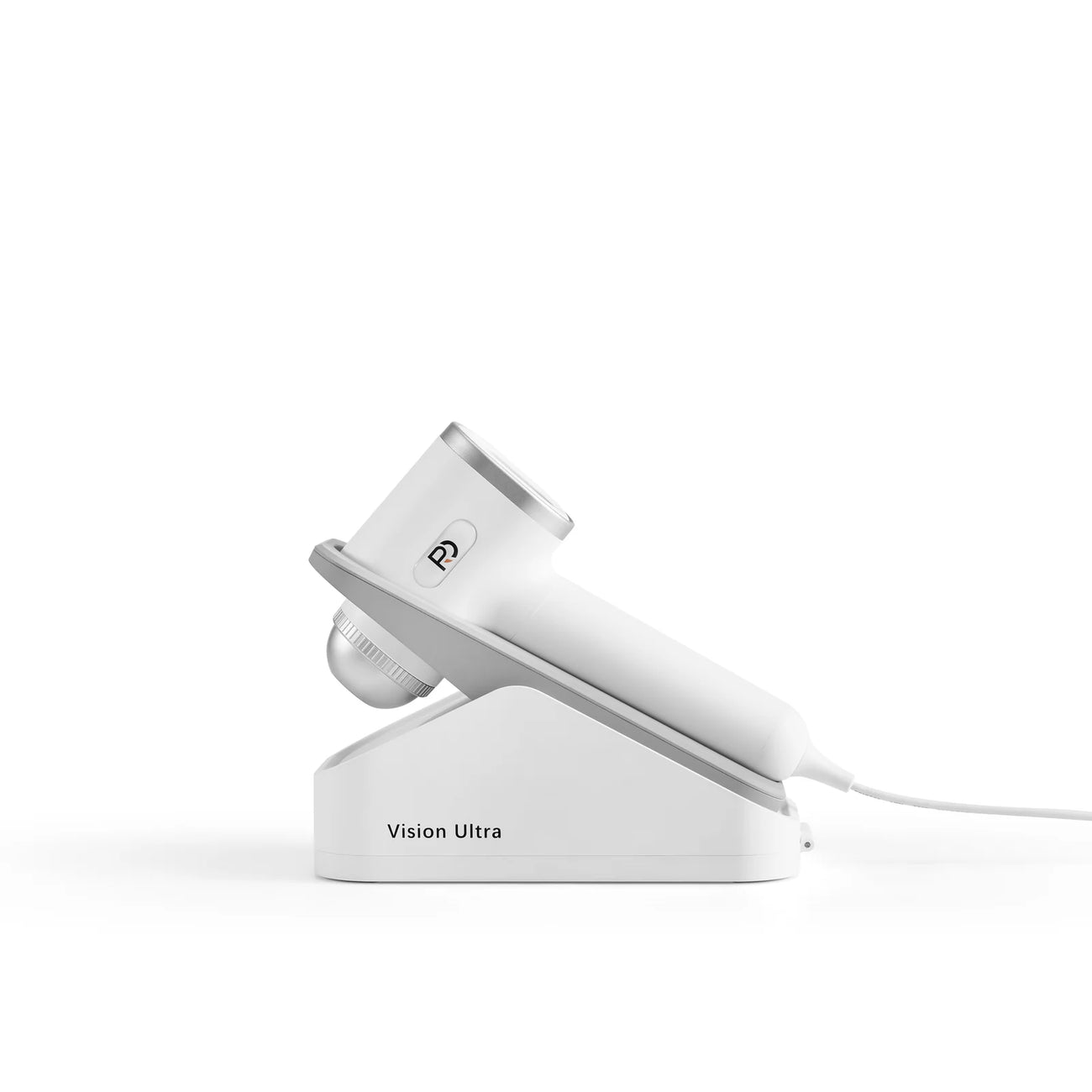
An ergonomic design to guide your observation. Its docking station keeps it in a dedicated spot between consultations.

The foot pedal frees up your hands during the consultation. The screen becomes the medium for your examination and explanations.
Initial training and support.
Cloud and updates included.
2-year warranty.
Specifications
Camera: 8 MP sensor · ×50 magnification
Lighting: white, UV, and polarized
Analysis: scalp, hair, and skin · AI-assisted
Report: QR code sharing · before/after archive
Support: initial training and ongoing support
Included services: cloud and updates
Warranty: 2 years
LinaVision supports your in-salon consultation. It does not replace a medical diagnosis.
Your configuration
LinaVision brings together the camera, tablet, and software to structure your consultations. Our team supports you as you get started and throughout your project.

VAT calculated at checkout.
Request a quoteWithin France and internationally.
Shipping is included for all destinations available at checkout.
Delivery informationLinaVision reveals details of the scalp, hair, and skin with an 8 MP camera and ×50 magnification. The image helps you explain what you see and give advice your clients can easily understand.
You can keep a record and compare images taken under similar conditions. It’s a tool for observation and consultation, not a guarantee of treatment results.
No. AI assistance helps structure the observation; the professional must check the images, their quality, and the context of the consultation. A poorly framed area or a different capture can skew the comparison.
LinaVision does not replace a medical diagnosis. If you see a lesion, an unusual symptom, or have any doubt, refer the client to a healthcare professional rather than drawing medical conclusions from the camera.
The different lighting modes let you observe the same area under several light conditions. They provide complementary views that help you explain what you see.
For before/after tracking, use the same area, the same mode, and a comparable capture method as much as possible. Lighting modes alone are not enough to make a medical diagnosis.
The report can be shared by QR code, and observations can be archived for follow-up. Walk your client through the images and your explanations first, so the report builds on a clear conversation.
Let your client know that images are being recorded and how they’ll be used. Limit access to authorized people and avoid adding sensitive information to the file unnecessarily.
The offer shown includes initial training, support, cloud, and updates. Check the exact scope of your offer and the software terms on your quote.
Before you buy, confirm with our team the compatible device, connection, and access your setup requires. We’d rather check your environment than promise universal compatibility. Talk to our team
Start with the images and the short demo to understand the camera and the overall flow. The detailed seven-minute video, further down the page, shows more of the consultation steps.
You can also tell us about your business so we can look at how to build the observation step into your Head Spa protocol and in-salon consultations.
Clean and handle the camera as described in the manual. Capture the same area with comparable lighting and framing, then note the capture conditions in your records.
A consistent comparison helps explain an observed change. On its own, it doesn’t prove that the change comes from a product, nor does it allow you to promise a medical or hair result.
The commercial warranty covers manufacturing defects and failures under the terms that apply to the model purchased. Its duration and scope are shown on the product page or quote. Normal wear and tear, and damage caused by improper installation, unsuitable use, or inadequate maintenance, are excluded.
Inadequate maintenance only excludes the damage it causes: it does not cancel coverage for an unrelated manufacturing defect. Keep your invoice and contact us before any repair. Your statutory rights are not affected. View warranty and maintenance terms
THE PRO HEADSPA TEAM

Founder & CEO

Sales Director

Business developer
Business developer

Business developer
Product Manager

Chief Operating Officer
After-Sales Manager
Social Media Manager

International Manager

US Market Manager

European Market Manager