

Jak Zheng
Founder & CEO

You might also like
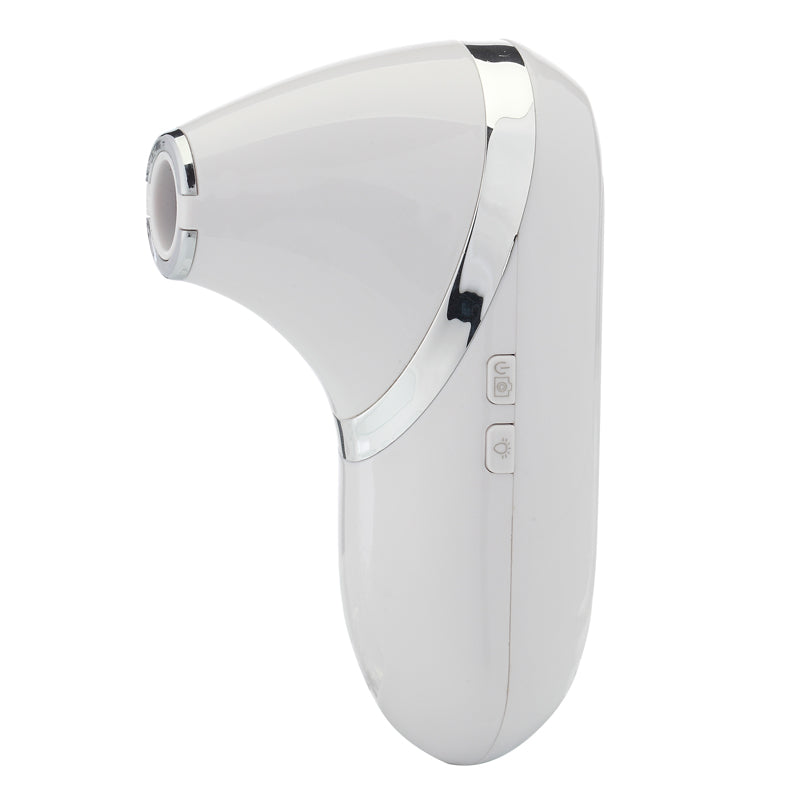
A visual aid that makes hair consultations clearer. Show what you observe and build a conversation around scalp care.
Discover S Pro Scalp CameraS Pro Scalp Camera · The demo
The ritual in motion.
The demonstration is coming soon.
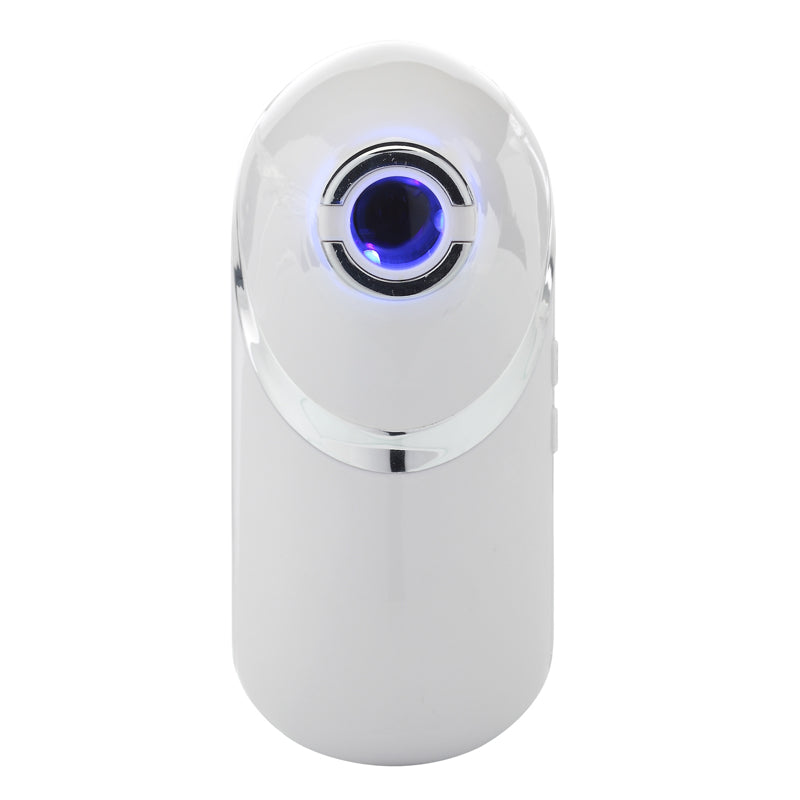
Highlights.
Examine areas that are hard to assess with the naked eye.
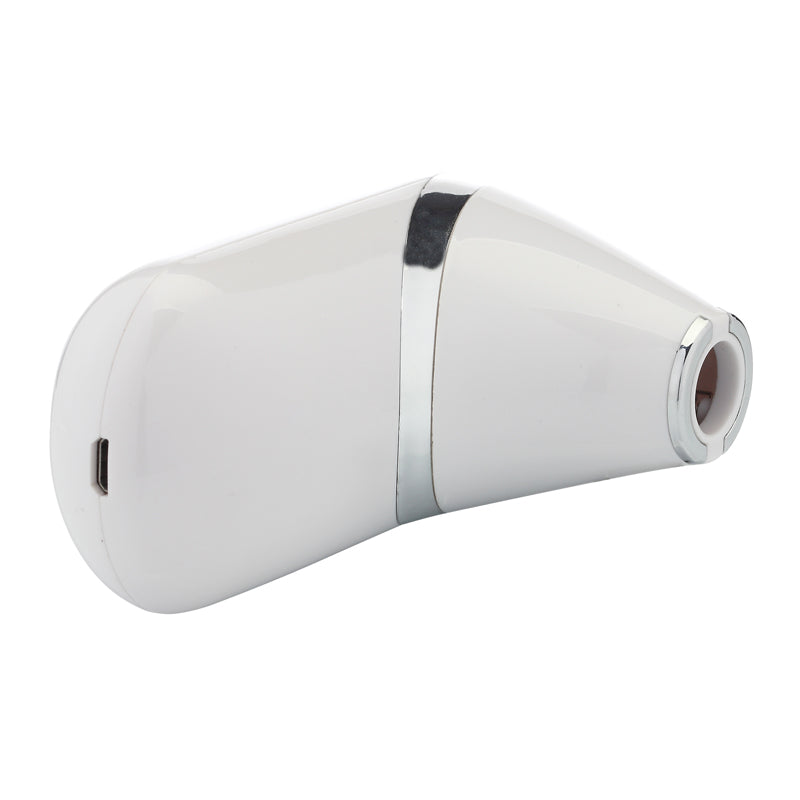
Highlights.
Share your observations to explain your choice of protocol.
Highlights.
Add a visual consultation step before the Head Spa ritual.
The image makes it easier to talk with your client. It helps you explain the techniques, how often to come back, and the recommended products. This in-salon observation does not replace a medical diagnosis.
Your configuration
Choose your configuration. Our team helps you plan the installation in your salon and bring your project to life.
VAT calculated at checkout.
Request a quoteShipping is included for all destinations available at checkout.
Delivery informationIt makes the consultation more visual: you show an area and explain what you see before suggesting a protocol. Your client better understands the purpose of the treatment and the techniques you plan to use.
The camera supports your advice; it doesn’t replace the professional’s interpretation or a medical diagnosis.
S Pro lets you observe and share images during the consultation. LinaVision is a more complete offer, with multiple lighting modes, AI assistance, reports, and archived tracking.
Choose based on your consultation and follow-up needs. Discover LinaVision to compare uses and services.
Have our team confirm the computer or tablet, connections, and any software you’ll need before you order. Compatibility has to be checked for your specific setup.
Tell us what equipment you already use and how you’d like to show the images to your client. Talk to our team
Follow the manual for cleaning and handling. For follow-up, capture the same area with comparable lighting and framing.
Let your client know if you’re saving their images, and limit access to their files to authorized staff.
The commercial warranty covers manufacturing defects and failures under the terms that apply to the model purchased. Its duration and scope are shown on the product page or quote. Normal wear and tear, and damage caused by improper installation, unsuitable use, or inadequate maintenance, are excluded.
Inadequate maintenance only excludes the damage it causes: it does not cancel coverage for an unrelated manufacturing defect. Keep your invoice and contact us before any repair. Your statutory rights are not affected. View warranty and maintenance terms
THE PRO HEADSPA TEAM
Founder & CEO

Sales Director

Business developer

Business developer

Business developer
Product Manager

Chief Operating Officer
After-Sales Manager
Social Media Manager

International Manager

US Market Manager

European Market Manager